
How to Update Business Details for Better Local Visibility
Learn how to update business details step-by-step and ensure your Waterlooville business stands out in local directories, attracting more customers and reviews.
How to Update Business Details for Better Local Visibility

Keeping your business information up to date can make the difference between gaining new customers or missing valuable opportunities in Waterlooville. Local shoppers rely on search results and business directories for accurate contact details, so even a small error can mean lost business. By focusing on accurate and updated business profiles, you set yourself up for stronger online visibility and better customer trust. This guide shows how to update your details step by step with minimal hassle.
Table of Contents
- Step 1: Gather Updated Business Information
- Step 2: Log In To Your Business Directory Account
- Step 3: Navigate To The Business Profile Section
- Step 4: Edit Contact And Service Details
- Step 5: Review And Confirm Updated Information
- Step 6: Monitor Listing For Accuracy And Feedback
Quick Summary
| Key Point | Explanation |
|---|---|
| 1. Gather Accurate Business Info | Compile essential documents like registration, tax ID, and licenses to ensure accuracy. |
| 2. Log In to Directory Account | Access your business directory account to manage and update your profile securely. |
| 3. Update Profile Details | Navigate to the profile section and edit contact information and service descriptions. |
| 4. Review Changes Thoroughly | Carefully check all updates for accuracy before confirming to avoid errors. |
| 5. Monitor Listings Regularly | Continuously check and respond to customer reviews and maintain updated information. |
Step 1: Gather updated business information
Getting your business details right starts with collecting accurate and current information. This critical first step ensures your local business profile reflects the most recent and precise data about your company.
Begin by assembling key documents that capture your current business status. You will want to compile official records like your business registration certificate, tax identification documents, and current business license. These provide the foundational details needed for updating your business profile. Official business records from the Small Business Administration can help you track down the necessary paperwork.
Next, verify your core business information such as legal business name, physical address, contact numbers, email address, website, and operational hours. Cross reference these details across multiple sources like your company registration documents, tax records, and existing online listings. Pay special attention to any recent changes in ownership, location, or contact information that might require updates.
Accurately documenting these details will streamline the process of updating your business profile across various online platforms and local directories. By taking the time to gather comprehensive information now, you will save yourself potential headaches and ensure your business appears professional and accessible to potential customers.
Here is a comparison of key business documents used to verify company information:
| Document Type | Purpose | Where to Find |
|---|---|---|
| Business Registration | Confirms legal operation | State government portal |
| Tax Identification | Validates tax status | IRS or state revenue agency |
| Current Business License | Proves compliance with local laws | Local licensing authority |
| Online Directory Listing | Shows public business details | Directory platform dashboard |
Pro Tip: Create a digital folder with scanned copies of all your key business documents to make future updates faster and more convenient.
Step 2: Log in to your business directory account
Logging into your business directory account is a straightforward process that allows you to manage and update your business information securely. This step is essential for maintaining an accurate and professional online presence.
Start by navigating to the business directory website. Most platforms like Better Business Bureau have a clear login section typically located in the top right corner of their homepage. Look for buttons marked “Login” or “Sign In” and click on them to begin the process. If this is your first time accessing the account, you might need to create login credentials using your business email address.
When logging in, carefully enter your username and password. Pay close attention to capitalization and ensure you are using the correct email address associated with your business account. Some directories offer options to log in using social media accounts or provide password recovery methods if you have trouble accessing your account. If you encounter any issues, most platforms have customer support resources to help you regain access or troubleshoot login problems.
After successfully logging in, you will typically be directed to a dashboard where you can view and edit your business profile information. Take a moment to familiarize yourself with the interface and locate the sections where you can update your business details.
Pro Tip: Enable two factor authentication for an extra layer of security when accessing your business directory account.
Step 3: Navigate to the business profile section
After successfully logging into your business directory account, you will need to locate the specific section where you can edit and update your business profile. This step is crucial for ensuring your business information remains current and accurate across online platforms.
Carefully examine the dashboard or main menu after logging in. Business profile managers typically organize their interfaces with clear navigation options. Look for menu items labeled “Profile,” “Business Information,” “Edit Details,” or something similar. These sections are usually prominently displayed near the top of the page or in a sidebar menu. If you are having trouble finding the right section, most platforms include a search function or help menu that can guide you directly to the profile editing area.
Once you locate the business profile section, take a moment to review the available fields and sections. You will likely find tabs or subsections for different types of information such as contact details, business hours, service offerings, and location specifics. Some platforms organize these details into separate categories to make updating more streamlined and intuitive.
Pay close attention to the layout and available editing options. Some directories allow inline editing, while others might require you to click specific edit buttons or icons to modify your business information. Familiarize yourself with the interface to make the upcoming update process as smooth as possible.
Pro Tip: Take a screenshot of the profile section before making any changes as a backup reference point.
Step 4: Edit contact and service details
Updating your business contact and service information is a critical step in maintaining an accurate online presence. This process ensures potential customers can reach you easily and understand exactly what services your business offers.

Begin by carefully reviewing each field in the contact section. Business detail updates typically require precise information including your official business phone number, primary email address, physical address, and website. Double check every character to prevent potential communication errors. Make sure your phone number includes the area code and is current. Verify your email address matches the one you actively monitor for business communications.
Next, focus on updating your service details. This section allows you to describe what your business does and the specific services you provide. Be clear and concise about your offerings. Include any recent additions or changes to your service lineup. Some platforms allow you to add brief descriptions or categories that help potential customers understand exactly what you do. Consider using keywords that potential clients might search for when looking for businesses like yours.
Remember that accuracy is key when editing these details. Incorrect contact information can cost you potential customers and damage your business reputation. Take your time and review everything before saving your changes.
Pro Tip: Create a standard template of your current business details to make future updates faster and more consistent.
Step 5: Review and confirm updated information
The final stage of updating your business profile involves carefully reviewing and confirming all the changes you have made. This critical step ensures the accuracy and reliability of your business information across online platforms.
Business information verification requires a systematic and thorough approach. Start by reading through each updated field carefully. Check your business name, contact details, address, phone number, email, and service descriptions for any potential typos or errors. Verify that all information matches your official business documentation. Pay special attention to details like area codes, website URLs, and precise service descriptions that could impact how potential customers find and understand your business.
Consider viewing your updated profile from a customer’s perspective. Ask yourself if the information is clear, comprehensive, and accurately represents your business. Some platforms offer a preview mode that allows you to see exactly how your updated profile will appear to the public. Take advantage of this feature to ensure everything looks professional and accurately reflects your brand.
Remember that small errors can significantly impact your business visibility and credibility. Mistakes in contact information could mean missed opportunities with potential customers. Take your time during this review process and do not rush through the confirmation stage.
Pro Tip: Ask a colleague or business partner to review your updated profile for an additional set of eyes and potential catch any overlooked details.
Step 6: Monitor listing for accuracy and feedback
Continually tracking your business listing ensures your online presence remains current, accurate, and responsive to customer interactions. This ongoing process helps maintain your business reputation and local visibility.
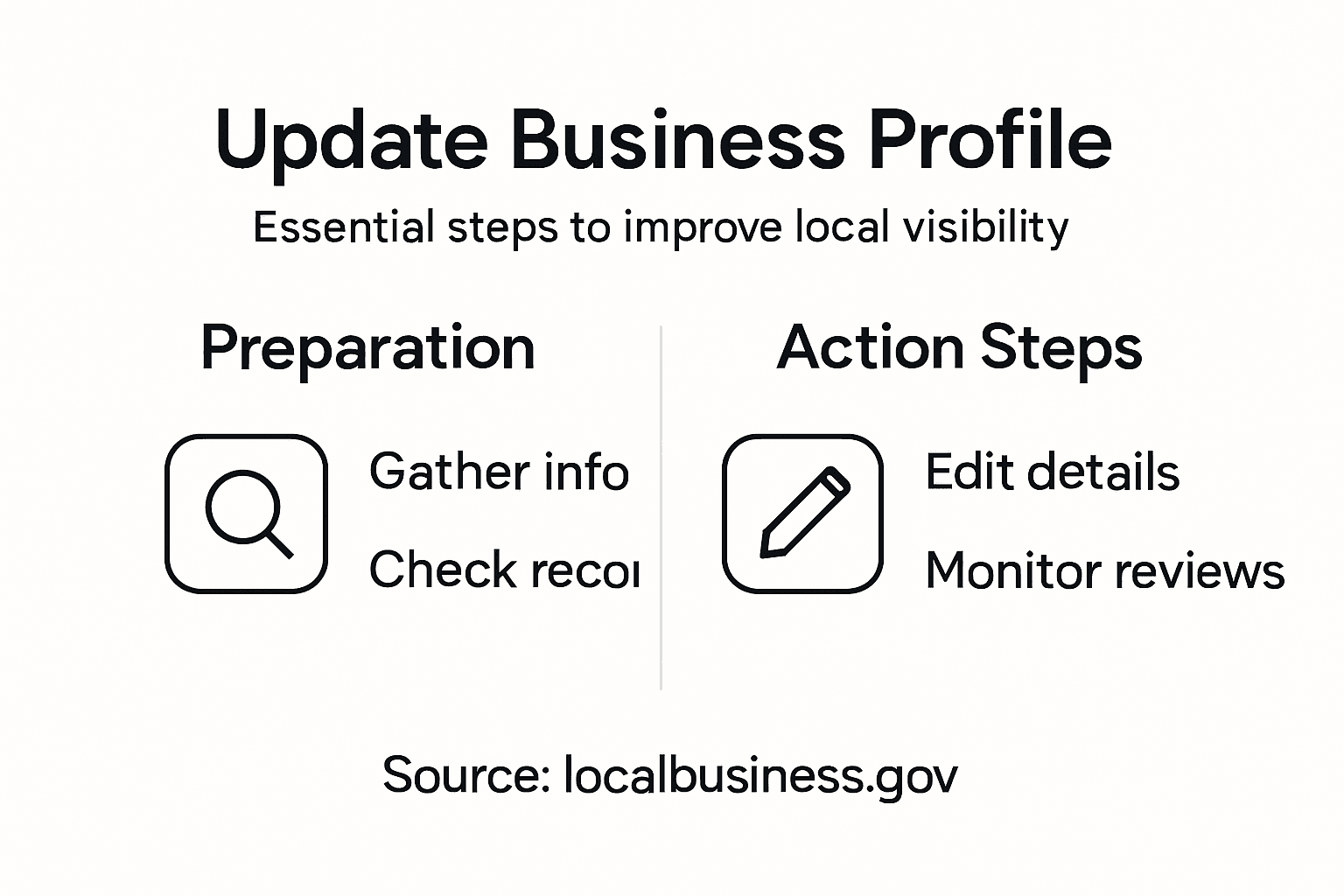
Customer review management requires consistent attention and proactive engagement. Set up regular check intervals to review your business listings across different platforms. This means examining your profile on local directories, review sites, and social media channels at least once every two weeks. Look for any new customer reviews, comments, or potential changes in your business information that might have occurred without your direct input.
When monitoring your listings, pay close attention to customer feedback. Read through reviews both positive and negative. Respond professionally to any comments, addressing concerns quickly and courteously. If negative reviews appear, view them as opportunities for improvement rather than criticisms. Potential customers often look at how businesses handle critique as much as the review itself. Consider creating a standardized response template that allows you to address different types of feedback consistently and thoughtfully.
Technology can help streamline this monitoring process. Many platforms offer notification systems that alert you to new reviews or changes in your listing. Consider using these tools to stay informed without constantly manually checking every platform. Some business management software can aggregate reviews from multiple sources, making your monitoring process more efficient.
The table below summarizes review monitoring tools and their main business benefits:
| Tool Type | Key Benefit | Example Platform |
|---|---|---|
| Notification System | Alerts for new reviews or profile changes | Google My Business |
| Review Aggregator | Consolidates feedback across platforms | Yelp for Business |
| Social Media Monitor | Tracks brand mentions in real-time | Hootsuite |
| Custom Alerts | Immediate notification for key terms | Google Alerts |
Pro Tip: Set up Google Alerts for your business name to receive automatic notifications about online mentions and reviews.
Boost Your Local Visibility with Accurate Business Updates on Waterlooville.co
Keeping your business details up to date is essential to improve local visibility and attract more customers. The challenge lies in consistently maintaining precise contact information and clear service descriptions so your potential clients can easily find and trust your business. Updating your profile with correct phone numbers, email addresses, and service offerings, as well as monitoring customer feedback, are crucial steps to build a strong reputation in the community.
Waterlooville.co offers a trusted platform where local businesses can showcase their updated profiles, receive genuine customer reviews, and connect with residents and visitors in Waterlooville and nearby areas like Cowplain, Denmead, and Purbrook. Whether you are a heating engineer or run a hair salon, having your business details accurately listed on our comprehensive business directory increases your chances of being discovered by people in need of your services.

Enhance your local presence today by updating or listing your business on Waterlooville.co. Take control of your business information and join a community-focused website designed to support and promote your success. Visit Waterlooville.co now and ensure your business stands out in the local scene.
Frequently Asked Questions
How can I gather updated business information for my profile?
To gather updated business information, compile official records like your business registration certificate and current business license. Also, verify your legal business name, address, contact numbers, email, website, and operational hours across multiple sources.
What steps should I follow to log in to my business directory account?
To log in to your business directory account, visit the directory’s website and find the login section, typically in the top right corner. Enter your username and password, pay attention to correct capitalization, and use your business email address if needed.
How do I edit my business contact and service details?
To edit your contact and service details, access the business profile section on your account dashboard. Carefully update your phone number, email, physical address, and service descriptions, ensuring all information is accurate to maintain effective communication with potential customers.
Why is reviewing and confirming updated information crucial?
Reviewing and confirming updated information is essential to ensure accuracy and reliability of your business profile. Carefully check all fields for typos and inconsistencies, as small errors could lead to missed opportunities with potential customers.
How often should I monitor my listing for accuracy and feedback?
You should monitor your listing for accuracy and feedback at least once every two weeks. Set up alerts for new reviews and changes to your business information to maintain your reputation and responsiveness to customer interactions.
What tools can help me streamline the monitor listing process?
Tools like notification systems and review aggregators can help streamline the listing monitoring process. Set up notifications for new reviews and consider using software that consolidates feedback from various platforms to keep track efficiently.